
Video-to-text mode
Convert spoken content into text when you need searchable notes, transcripts, or quick summaries.
 PineFetch
Fast, simple downloads for YouTube, TikTok, Instagram, Facebook, Twitch, and X (Twitter) with queueing, presets, and audio extraction. Powered by yt-dlp under the hood.
PineFetch is designed only for content you own or have explicit permission to download. Please respect platform terms.

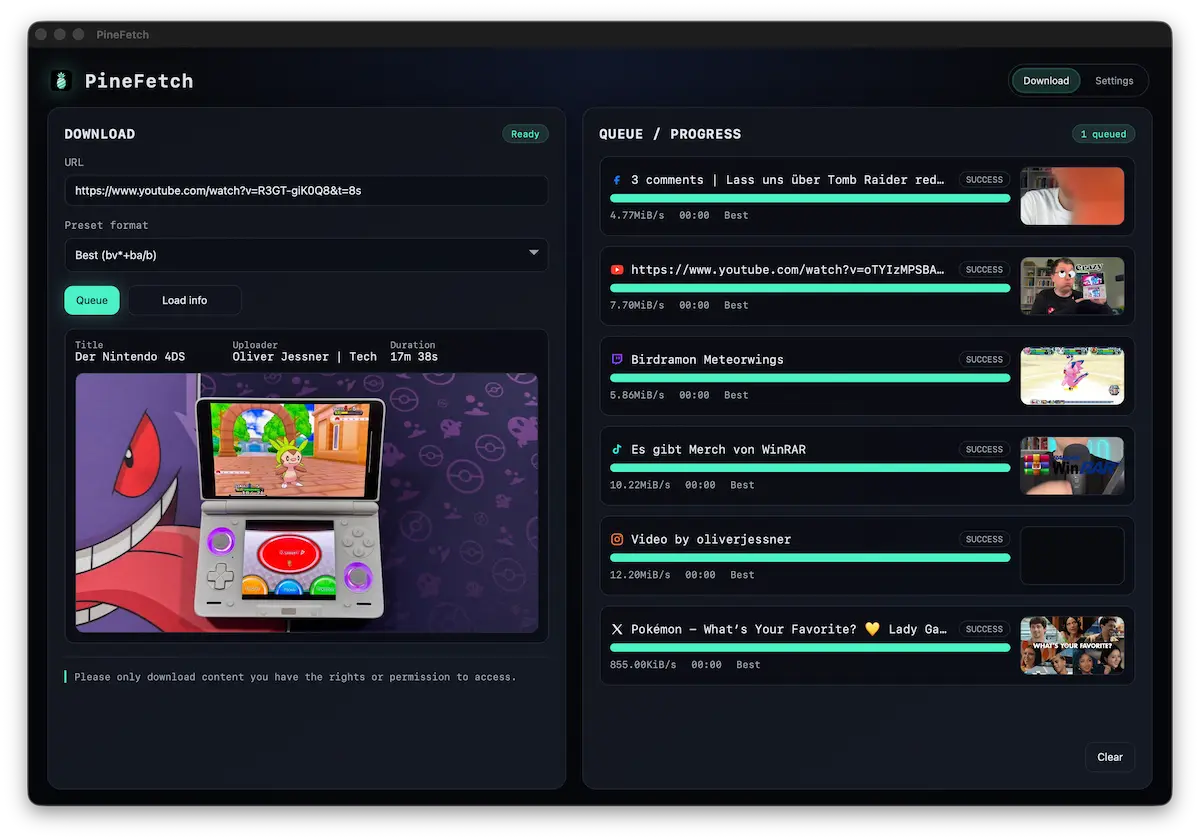
PineFetch supports YouTube, TikTok, Instagram, Facebook, Twitch, and X (Twitter), so you can keep mixed downloads in one clean queue.
From short clips to long-form videos: paste links from different sources and manage everything from one app.
Everything you need to download your own content — without the noise.
Drop multiple links, PineFetch works through them in order.
Export MP3/AAC for content you own or have permission to use.
One click: Best / Audio only / Custom format.
Fully open on GitHub. Inspect the code, fork it, or contribute: PineFetch repository.
Downloads stay on your machine. No cloud uploads.
Optional terminal log for power users and debugging.
Version 0.1.0 focuses on daily usability, with clearer feedback and less manual work.
Convert spoken content into text when you need searchable notes, transcripts, or quick summaries.
Click any completed queue item and PineFetch opens the downloaded output file right away.
Reset your queue in one click and start the next batch with a clean workspace.
Recognize jobs at a glance with visual previews, especially when multiple links look similar.
Spot broken or unsupported links early with immediate visual validation before queueing.
Press Enter to queue the URL in the input field and use Cmd + I to trigger
Show info.
Three steps. Zero fuss.
Insert a URL and hit Load info.
Best quality or audio-only — always for your own content.
It lands in the queue and shows live progress.
Subtle glass panels, clear status, and a queue that keeps you moving.
Always know what’s done, downloading, and next.
Flip it on when you need transparency, keep it hidden when you don’t.
Fast decisions with clear modes you can trust.
Actual app screens from version 0.1.0: settings and download settings.
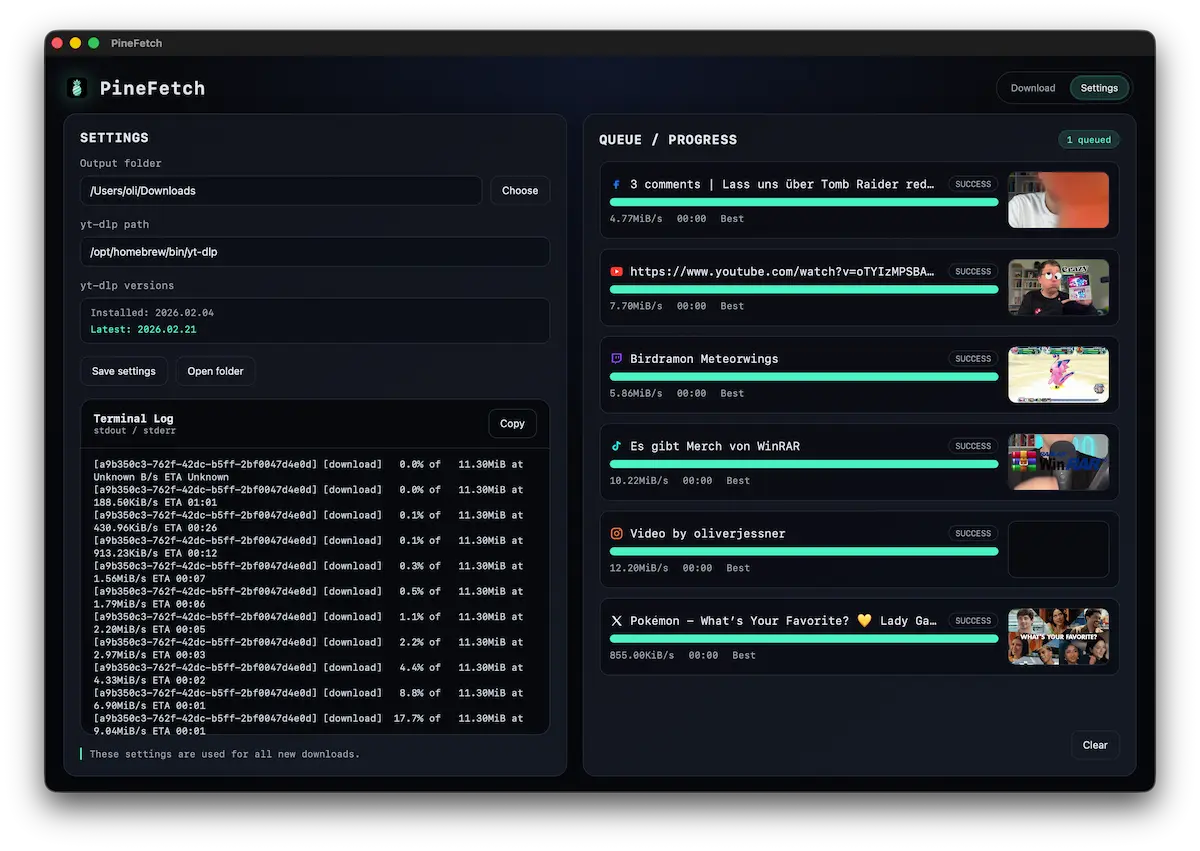
Lightweight, focused, and respectful of your rights.
Clear answers, no shortcuts.
PineFetch is for content you own or have explicit permission to download. Always follow platform terms and local laws.
yt-dlp is a trusted open-source CLI tool. PineFetch uses it as the download engine.
Downloads go to a local folder you choose. No cloud uploads.
Yes. Toggle the terminal log panel whenever you need it.
Download PineFetch for macOS and keep your workflow local and clean.
This short TikTok walks you through the installation step by step.
/bin/bash -c "$(curl -fsSL
                        https://raw.githubusercontent.com/Homebrew/install/HEAD/install.sh)"
brew install yt-dlp
which yt-dlp
@oliverjessner PineFetch Tutorial lets Go
♬ original sound - Oliver Jessner | Tech
 PineFetch
