

Open source
Inspect it. Change it. Keep it.
A fast, chronological desktop RSS reader with keyword watchdogs, local topic detection, grouped digests and a read-only CLI. No ads, subscriptions or algorithmic feed.
Free · Open source · macOS
Install with Homebrew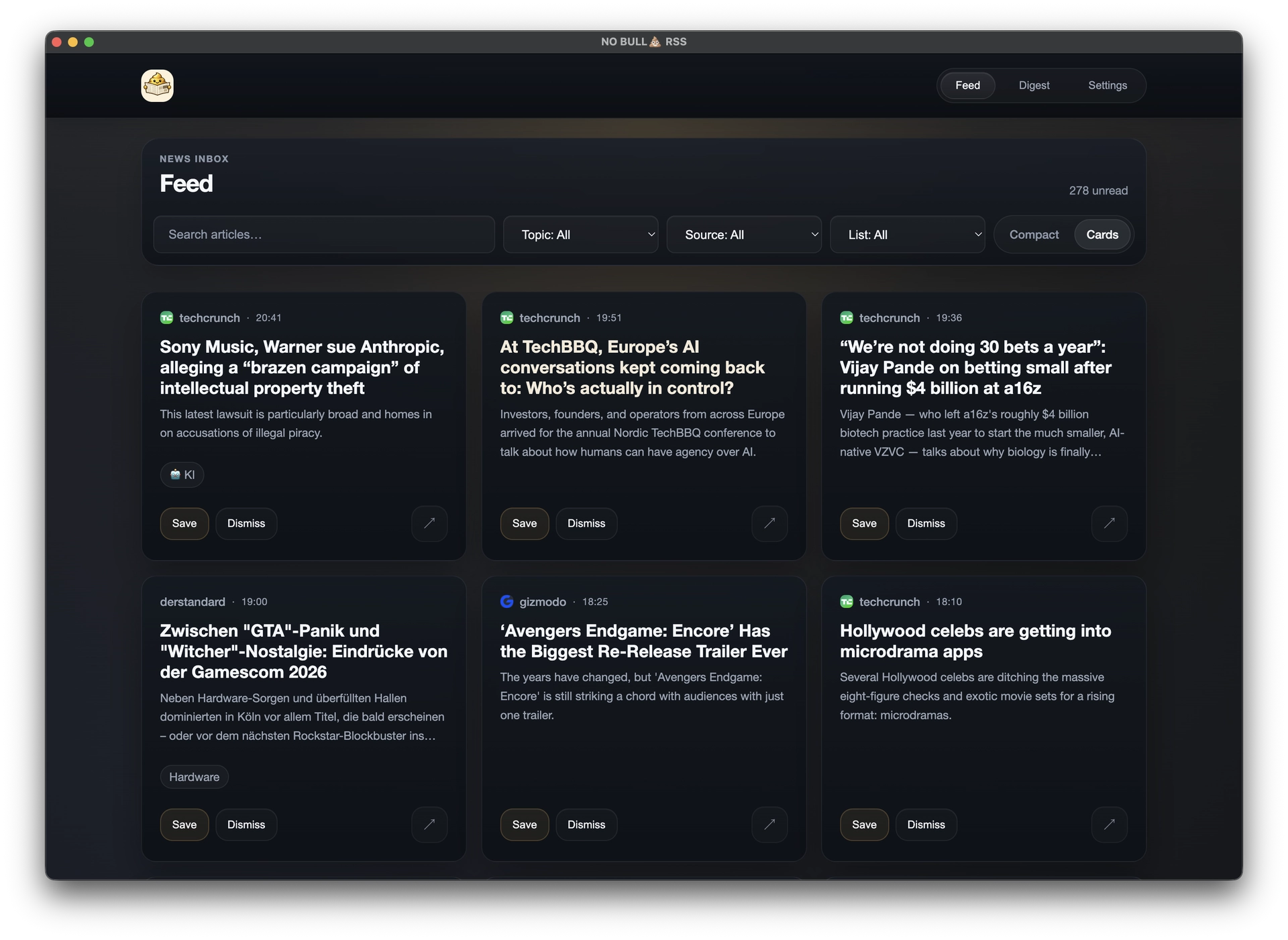
Read your feeds, review grouped digests, watch for keywords, organize local topics and access your articles from the CLI.
See what is new. Decide what matters. Move on.
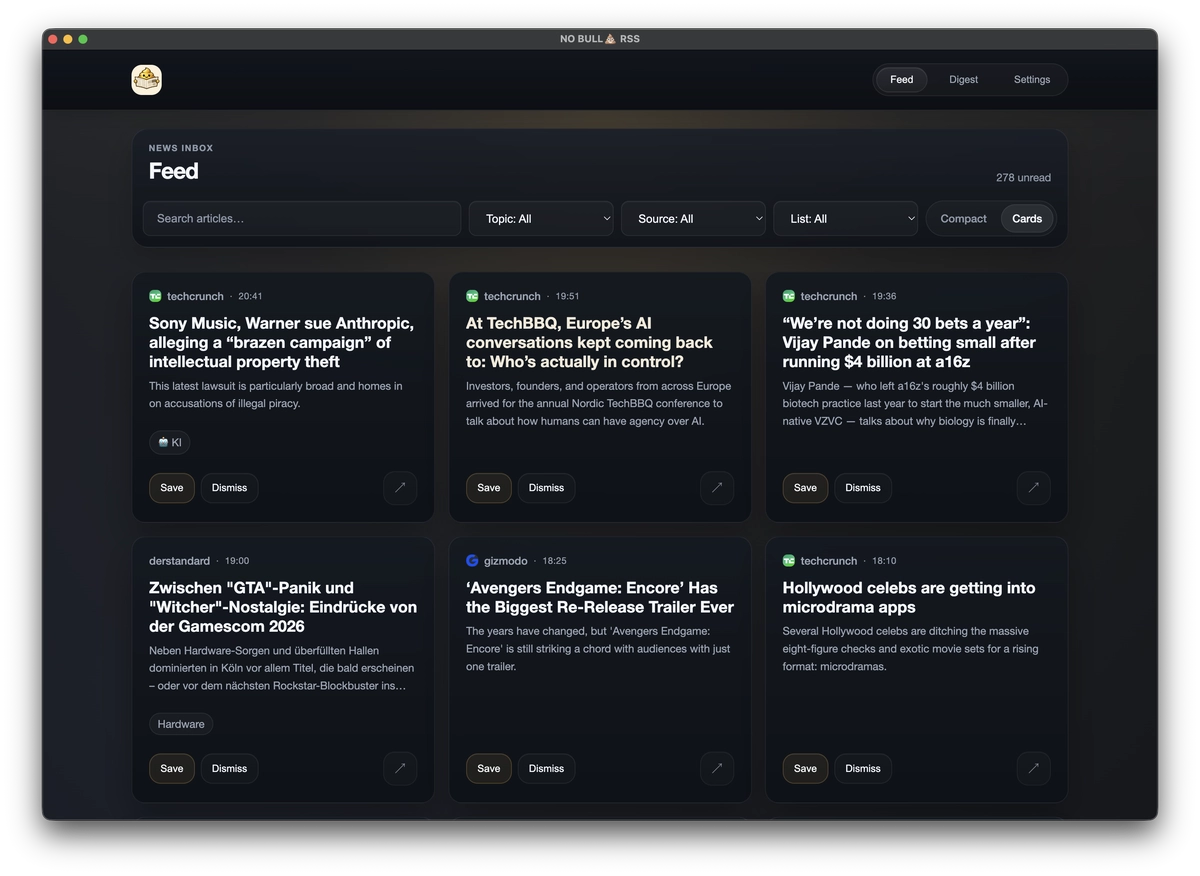
Related coverage from multiple sources becomes one readable story cluster.
See who covered the same event, when the first and latest reports appeared, and how many sources belong to the story. Choose a daily, weekly or monthly view.
This is organization, not an AI-generated summary feed. The Digest clusters articles already stored in your reader.
Your keywords. A local inbox for every match.
Create rules with Include any, Include all and Exclude phrases. Watchdog checks article titles, teasers and stored content, across all or selected feeds.
Notifications are opt-in and need macOS permission. Watchdog checks with RSS refreshes while the app runs, even with its window closed. Quitting the app stops monitoring.
Read Watchdog documentation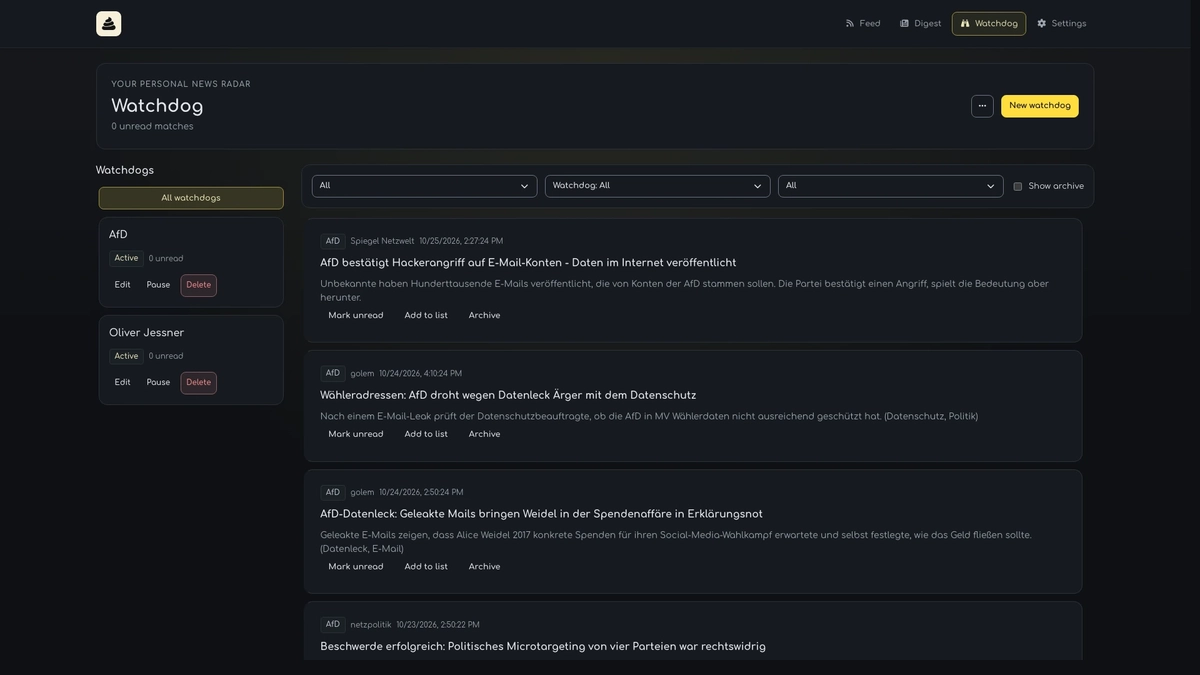
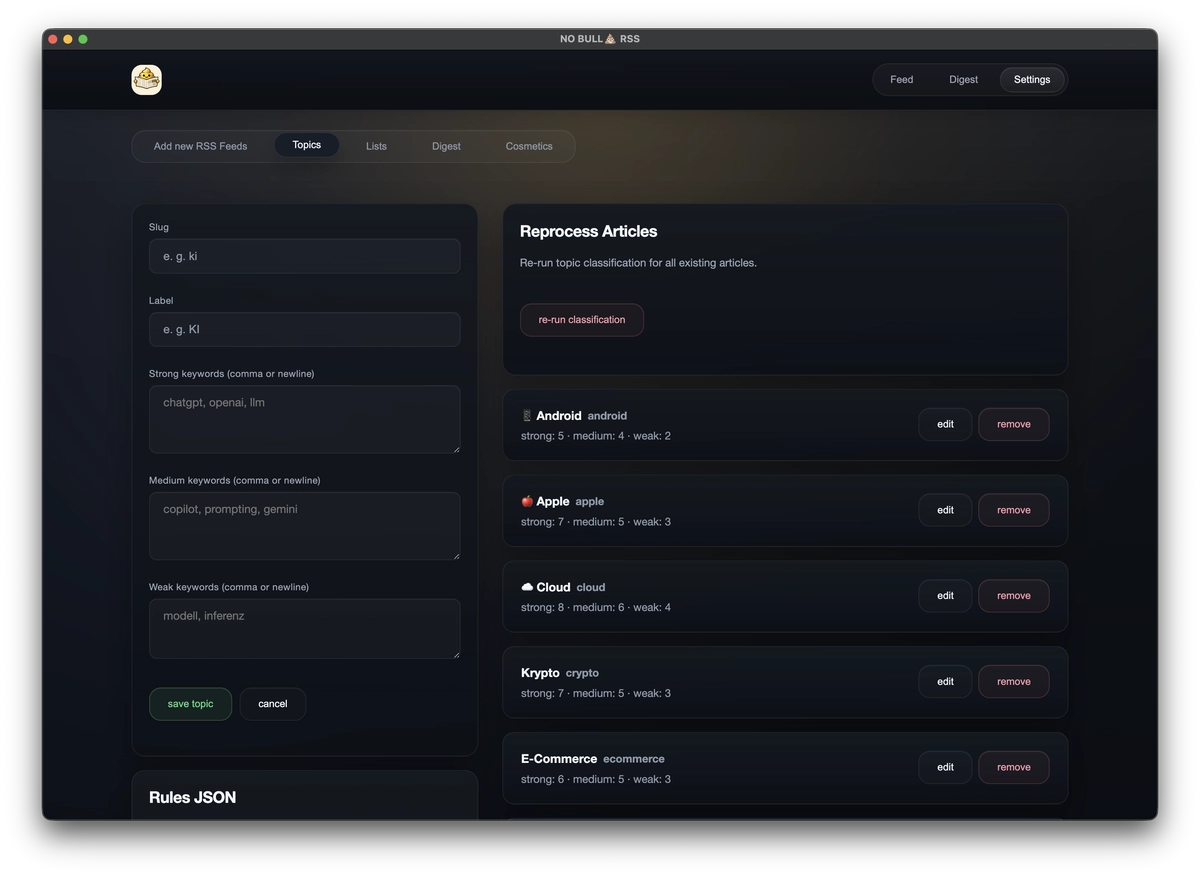
Topic detection without sending your feed away.
Define your own taxonomy with editable strong, medium and weak keywords. Articles are classified locally, then become filterable in your feed.
No external classification API. Edit rules and reprocess existing articles whenever you want.
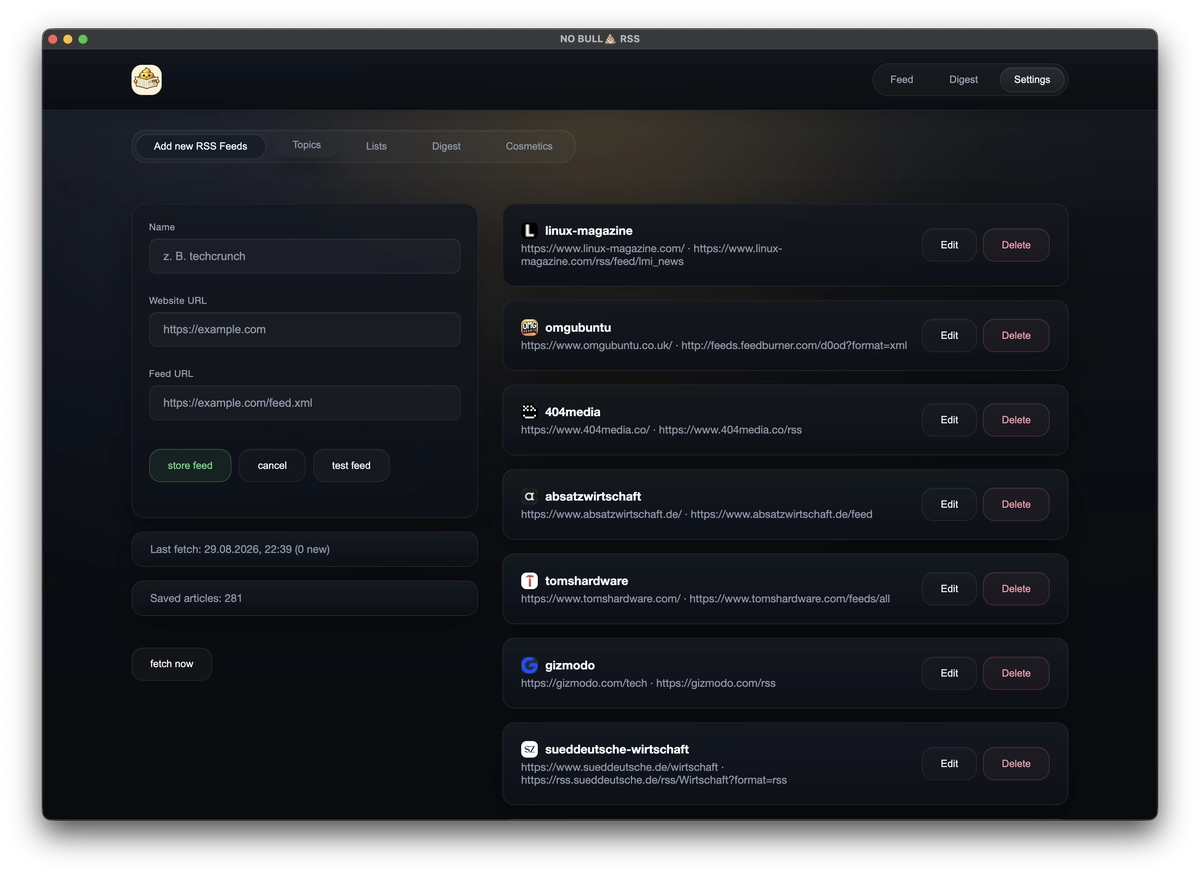
Add, test, edit and remove RSS feeds. Organize the input, see stored article counts and fetch on your schedule.
Use the same articles and digests from the desktop reader directly from the shell. SQLite opens read-only; the CLI never configures feeds, fetches content, starts the app or writes to the database.
$ no-bullshit-rss articles last 10 --url$ no-bullshit-rss articles last 10 --title$ no-bullshit-rss articles last 10 --url --title$ no-bullshit-rss articles digest 10 --daily$ no-bullshit-rss articles digest 10 --weekly$ no-bullshit-rss articles digest 10 --monthly$ no-bullshit-rss articles last 10 --url --title | grep NvidiaPipe-friendly results
Clean error output
Compact structured results
Interactive selection
Discovers the existing app database on macOS.
One local reader, without an account between you and your feeds.
Inspect it. Change it. Keep it.
Install the app and start reading.
No payment tier hiding the useful parts.
No sponsored content in your feed.
Your SQLite database stays under your control.
Chronological means chronological.
No account. No subscription. No onboarding funnel.
For Apple Silicon (M1 or newer), running macOS 13 Ventura or later.
One command installs the desktop app and its bundled CLI.
brew install --cask oliverjessner/tap/no-bullshit-rssGet Homebrew Yes. It is open-source software with no subscription, ads, account or paid tier.
Yes. The complete source is available under the MIT License on GitHub.
Open repository →Feeds and articles live in the app’s local SQLite database. The data stays on your machine and under your control.
No. Topic detection is local and rule-based, using strong, medium and weak keywords that you can edit.
It groups related coverage already in your reader into story clusters for daily, weekly or monthly review. It does not generate AI summaries.
Watchdog matches keyword rules against article titles, teasers and stored content, then collects matches in a local inbox. Enable optional notifications in Settings → Notifications and grant macOS permission. Monitoring runs with RSS refreshes while the app is running, including with its window closed; quitting the app stops it.
Yes. The read-only CLI finds the existing app database and returns articles or digests as plain text or JSON. Homebrew installs the app and makes the bundled no-bullshit-rss command available in your terminal.
Yes. Run brew install --cask oliverjessner/tap/no-bullshit-rss to install the desktop app and its bundled CLI.
The current release supports macOS on Apple Silicon (M1 or newer). Homebrew requires macOS 13 Ventura or later.